
4G GPS Medical Alert Pendant with Fall Detection
4G GPS Medical Alert Pendant with Fall Detection
Couldn't load pickup availability
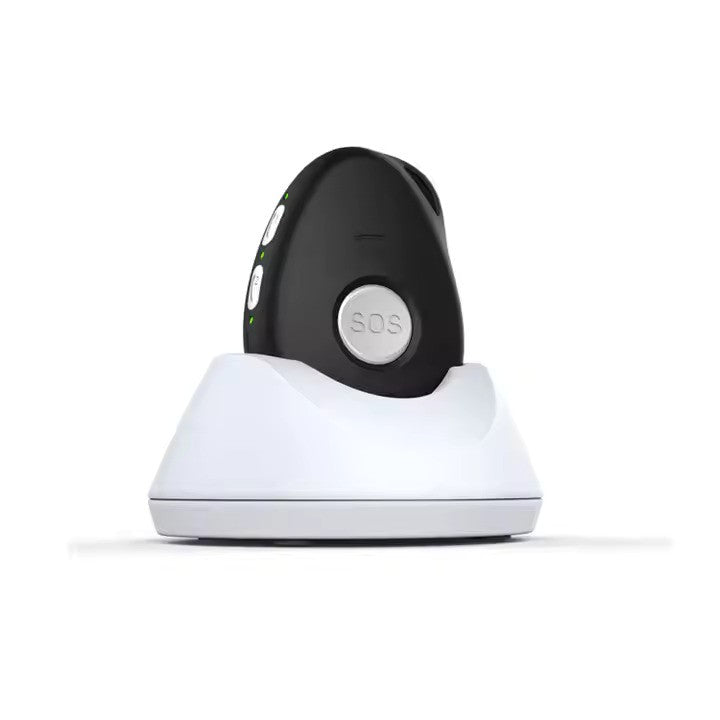
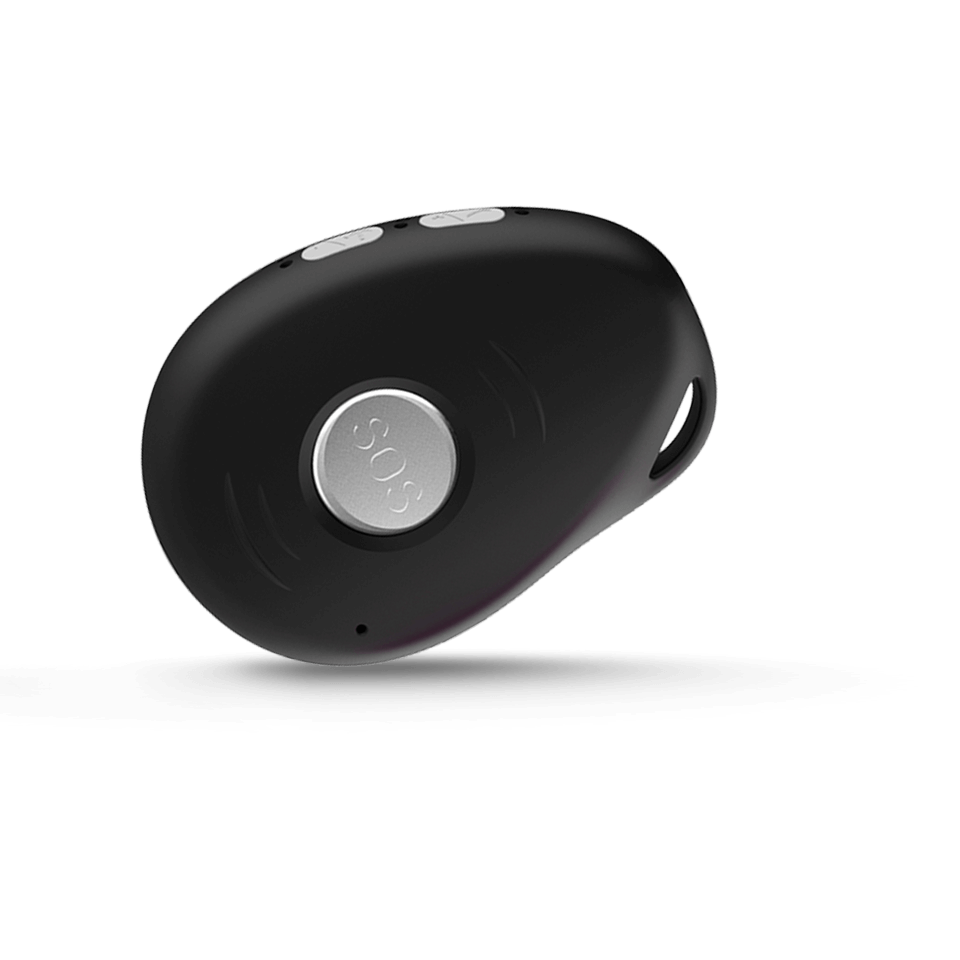
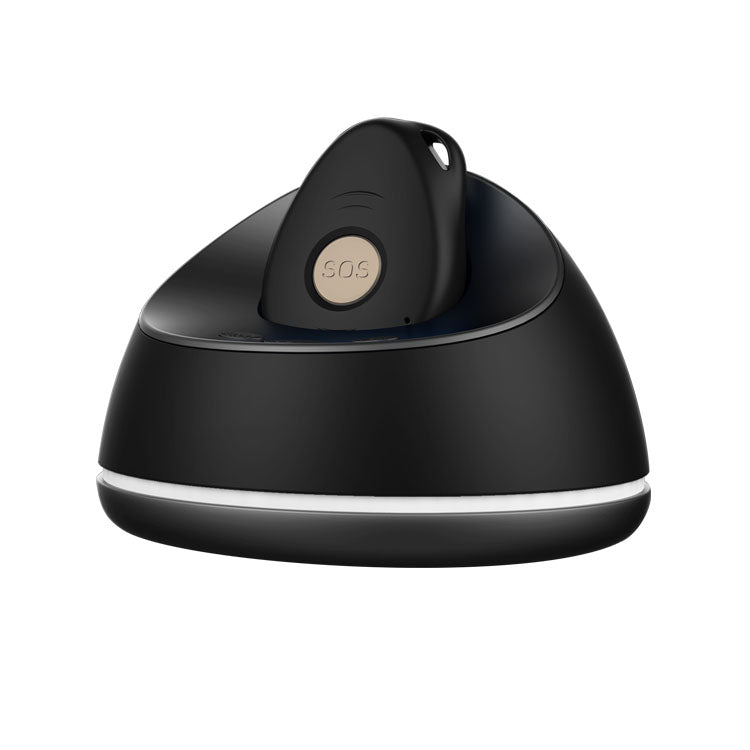
This portable GPS medical alert pendant provides on-the-go emergency calling and precise location sharing anywhere there is 4G coverage. It automatically detects falls, calls and texts up to 10 emergency contacts (including 111), and offers clear, hands-free two-way communication through the showerproof pendant without needing a separate mobile phone.
How GPS Alerts Work — Coverage, Fallback & Privacy
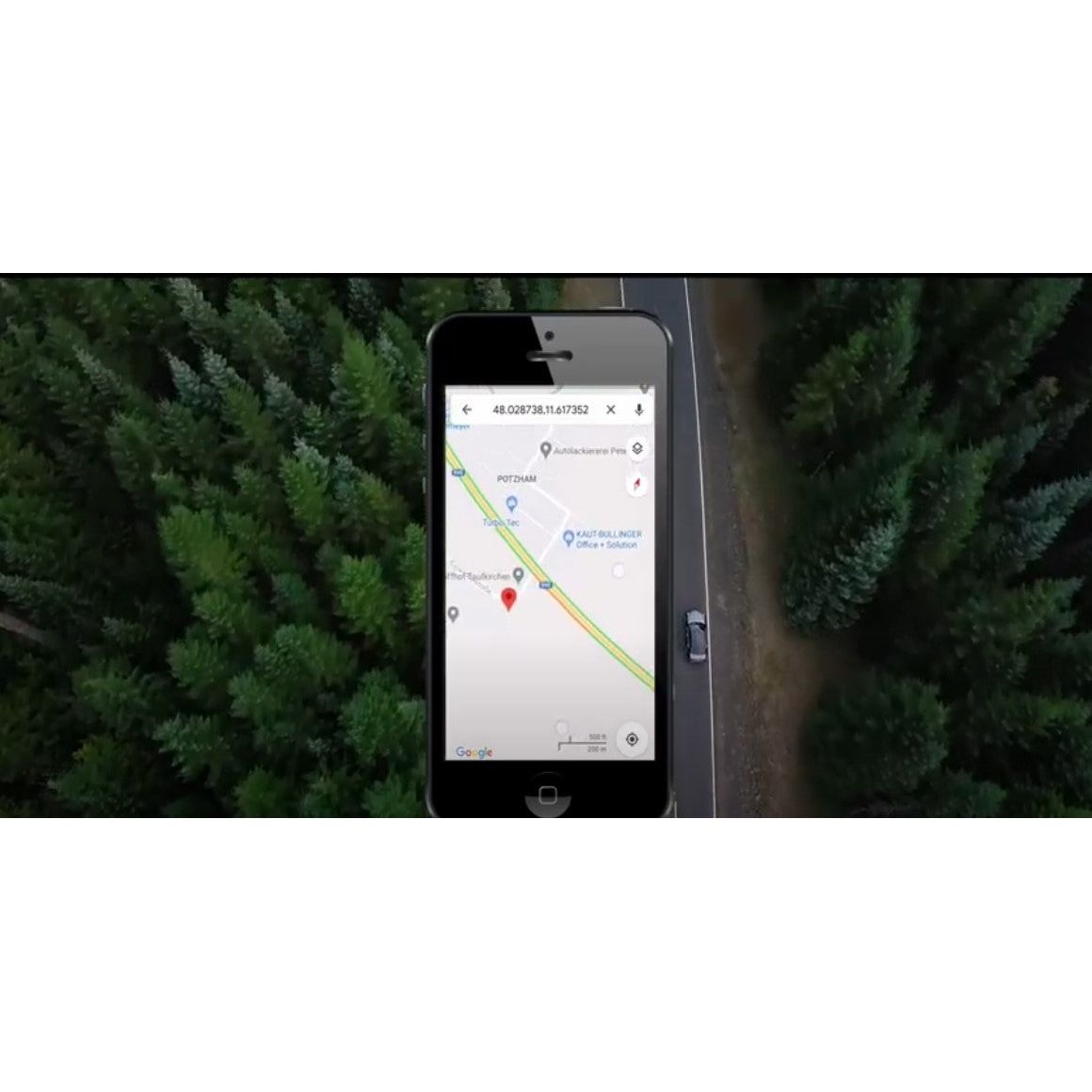
- 4G GPS coverage: Location tracking and emergency calls use New Zealand's 4G network. Alerts and location updates are sent whenever 4G coverage is available. In areas without 4G coverage, calls and location data cannot be transmitted.
- Manual SOS fallback: If automatic fall detection doesn't trigger — or if you prefer to call for help yourself — simply press and hold the SOS button to immediately call and text your emergency contacts. You are never reliant on automatic detection alone.
- Test your setup: After activation, do a test call to confirm your emergency contacts receive alerts correctly. Contact us if you need help with setup or testing.
- Location data & privacy: GPS location is shared only with the emergency contacts you configure. Eldertech does not sell or share your location data with third parties. See our Privacy Policy and Contact us for full details.
Share
I purchased this tracker for my 96-year-old uncle who was starting to get lost on his walk around town. this tracker enabled him to live at home, and we were able to check his location and collect him if he got lost. The battery life was excellent, and the GPS location was accurate. Anthony was very helpful and knowledgeable about the tracker, easy to talk to. Highly recommend this tracker. Good value and peace of mind.
The 4G GPS tracker has been interfaced with the alarm signals from some knitting machines. When one or all of the machines stop, the call button is triggered, and I get a call letting me know it is time to log into the machine's remote controls to see what has caused the call to be made. The tracker's ease of programming via text messages makes this functionality easily accessible, and it has helped close a technology loop that has been too difficult to solve cost-effectively. The only complication has been that some of the codes and instructions may have been damaged in translation. At some point, it would be helpful to get the Chinese version of the interface instructions and codes to sort out why I got locked out when I tried to set up the white pages for call numbers. The symptoms were that I had set a phone number in position one, and the default setting for the number to call was set to position 2. So, I should have set my number in several sequential positions to avoid falling down this rabbit hole. And I have not found any explanation why the default number to call was set to the no. 2 position.
- 5 stars: 2 (100%)
- 4 stars: 0 (0%)
- 3 stars: 0 (0%)
- 2 stars: 0 (0%)
- 1 star: 0 (0%)
I purchased this tracker for my 96-year-old uncle who was starting to get lost on his walk around town. this tracker enabled him to live at home, and we were able to check his location and collect him if he got lost. The battery life was excellent, and the GPS location was accurate. Anthony was very helpful and knowledgeable about the tracker, easy to talk to. Highly recommend this tracker. Good value and peace of mind.
The 4G GPS tracker has been interfaced with the alarm signals from some knitting machines. When one or all of the machines stop, the call button is triggered, and I get a call letting me know it is time to log into the machine's remote controls to see what has caused the call to be made. The tracker's ease of programming via text messages makes this functionality easily accessible, and it has helped close a technology loop that has been too difficult to solve cost-effectively. The only complication has been that some of the codes and instructions may have been damaged in translation. At some point, it would be helpful to get the Chinese version of the interface instructions and codes to sort out why I got locked out when I tried to set up the white pages for call numbers. The symptoms were that I had set a phone number in position one, and the default setting for the number to call was set to position 2. So, I should have set my number in several sequential positions to avoid falling down this rabbit hole. And I have not found any explanation why the default number to call was set to the no. 2 position.